Groups
Groups are a part of Phaset’s metamodeling concepts.
Groups represent the teams, squads, or collectives of people who build and maintain software. They answer the fundamental question: “Who’s responsible for this?”
While Domains represent business areas and Systems represent technical capabilities, Groups represent people—the humans who write code, respond to incidents, and evolve the software over time.
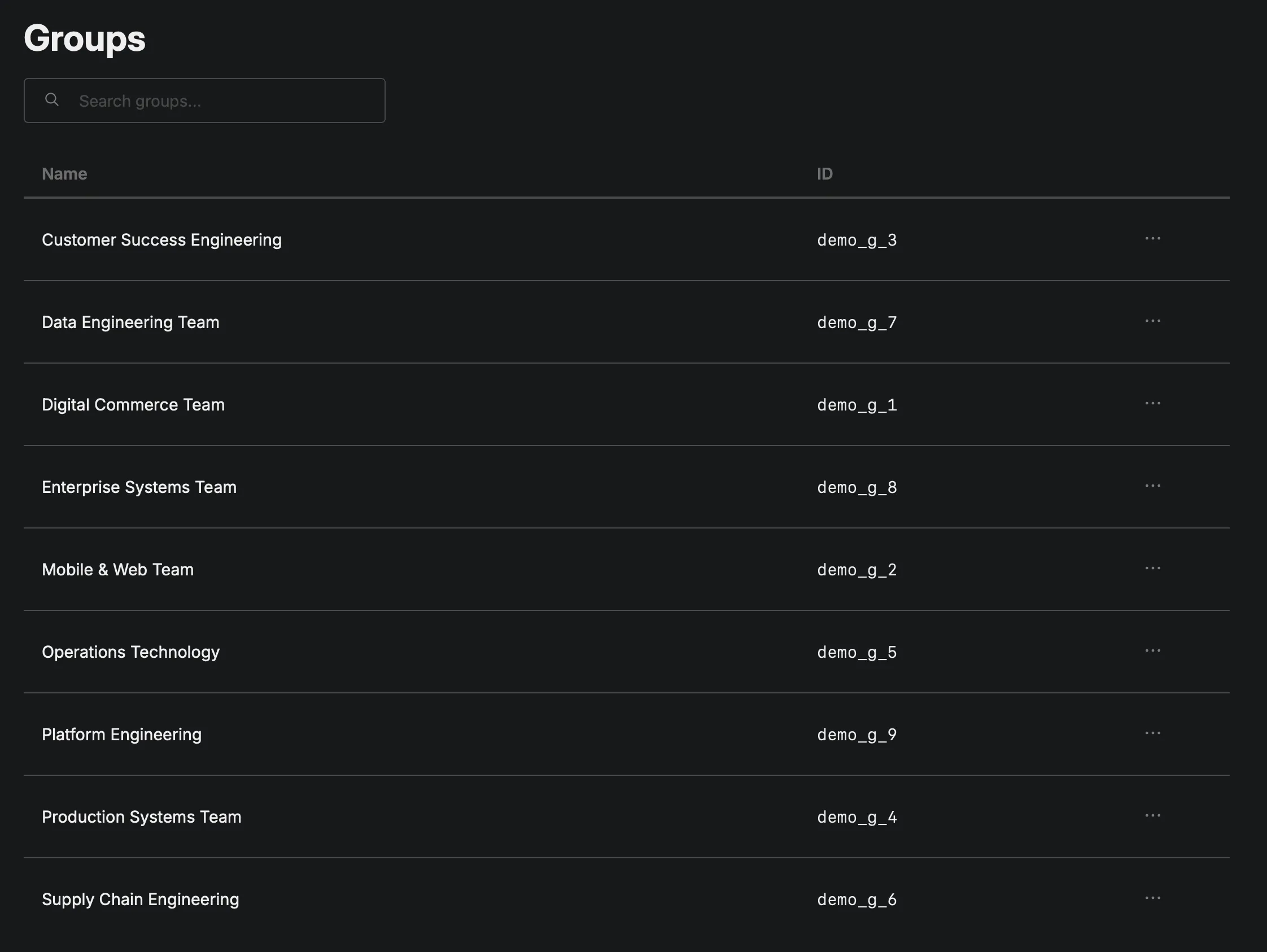
Groups in Phaset aren’t meant to replicate your entire org chart. They represent working groups—the actual people collaborating on software.
This distinction matters because:
- Formal reporting structure ≠ working relationships
- Cross-functional teams often exist outside the org chart
- Temporary groups form for initiatives, then dissolve
- Virtual teams span organizational boundaries
Groups capture how work actually happens, not just how the org chart says it should happen.
Notice how Groups often align with how teams introduce themselves: “I’m on the Checkout Team” or “I work in Platform Engineering.”
Why Groups Matter
Section titled “Why Groups Matter”They establish accountability and enable effective communication. When something breaks at 3 AM, who gets paged? When a security vulnerability is discovered, who patches it? Need to discuss a dependency between two services? Groups tell you which teams to bring into the conversation. Groups expose how your organization distributes work. Are some teams overloaded with too many Records (i.e. work)? Are critical systems owned by multiple teams (coordination nightmare) or no team at all (even worse)?
Clear ownership lets teams make decisions about their software without constant escalation and help define the boundaries of responsibility.
How Groups Work with Records
Section titled “How Groups Work with Records”When you assign a Group to a Record, you’re saying: “This team is responsible for this software.”
This enables powerful workflows:
- For incidents: Quickly identify which team owns the failing service
- For security patches: Know which teams need to update vulnerable dependencies
- For architectural decisions: Understand who needs to be in the room
- For capacity planning: See how work is distributed across teams
Defining Groups
Section titled “Defining Groups”Keep Groups aligned with how your organization actually works:
Good Groups:
- Teams that collaborate daily
- Clear ownership boundaries
- Stable membership (mostly)
- Shared responsibility for outcomes
Avoid:
- Individual people (Groups represent collectives)
- Arbitrary divisions (by technology, location, etc.)
- Too many groups (creates coordination overhead)
- Overlapping ownership without clear primary owner
Getting Started
Section titled “Getting Started”- List your teams as they actually exist (not necessarily the org chart)
- Create Groups in Phaset for each team
- Assign Records to their owning Groups
- Add team members to Groups (optional but valuable)
- Use Group filters to see team-specific views of Records and metrics
Groups make ownership visible. They turn “someone should fix this” into “the Checkout Team owns this and can fix it.” That clarity transforms how effectively organizations manage software.